
Big Daddy Game Deposit Payment Records and Deposit Help
A Big Daddy Game deposit involves more than seeing a successful payment message. The amount leaving your bank account and appearing in a platform balance are separate events. If one happens without the other, keep the records before trying again.
This guide explains payment checks, common deposit problems and the information needed to report a missing transaction. We have not verified current payment methods, limits, fees or processing times for a specific Big Daddy Game operator.
For readers in India: Government guidance prohibits online money games and payment facilitation connected with them. A visible deposit button or payment logo does not establish that a service is permitted.
The same record-keeping applies to any BDG Game deposit or BDG Win Game payment.
Before Making a Big Daddy Game Deposit
First identify the service holding your account. Big Daddy, BDG Game and BDG Win names appear across different websites, so similar branding should not be taken as proof of a shared wallet.
Check the operator information and current payment terms. If the service or recipient cannot be identified, pause before sending money.
Our Big Daddy Game overview explains the naming confusion and the questions worth checking first.
Confirm the Account You Are Viewing
Check your account identifier and registered details. This matters if you have used more than one similarly named website or recently changed devices.
If you cannot access the original account, use the Big Daddy Game login guide to review recovery options. A new account is not a reliable way to resolve an existing payment.
Read the Payment Conditions
Before any permitted transaction, look for clear information about the amount, charges, recipient and how disputes are handled.
A deposit and a bonus may be recorded separately. Do not assume that all money shown in a wallet has the same withdrawal conditions.
Payment Methods, Minimum Deposit and Fees
We have not independently confirmed whether a specific Big Daddy Game service currently accepts UPI, bank transfers, cards or another method.
The same limitation applies to minimum deposits, maximum amounts and fees. Figures copied from another website may refer to a different service or an older set of terms.
A payment logo alone is not enough. The identified operator’s current terms and the payment provider’s own record need to agree with the transaction you intend to make.
What Records Should You Keep?
If you already made a payment, save the details while they are available.
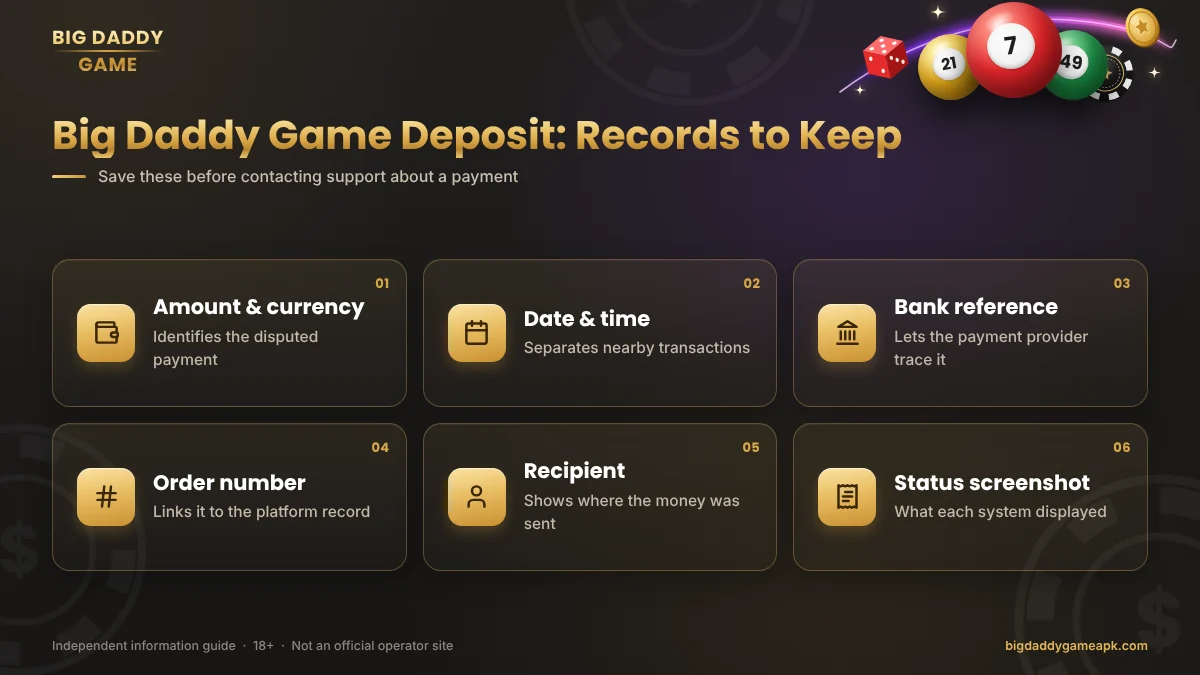
| Record | Why it helps |
|---|---|
| Amount and currency | Identifies the payment being disputed |
| Date and time | Helps distinguish nearby transactions |
| Bank or payment reference | Helps the payment provider trace it |
| Platform order number, if available | Links your complaint to the platform record |
| Recipient details | Shows where the payment was directed |
| Status screenshot | Records what each system displayed |
Keep original receipts. Before sending screenshots to support, hide unrelated transactions, full account details and other sensitive information.
Never include a password, OTP or payment PIN in a complaint.
Money Deducted but Deposit Not Showing
Check both sides of the transaction. Your payment app may show a completed transfer while the platform still shows no credit.
Start with these checks:
- Confirm that the deduction appears in the bank or payment-provider record.
- Compare the amount and recipient with the intended transaction.
- Check the original platform account and its transaction history.
- Save any pending, failed or completed messages.
- Raise the issue through a verified support channel.
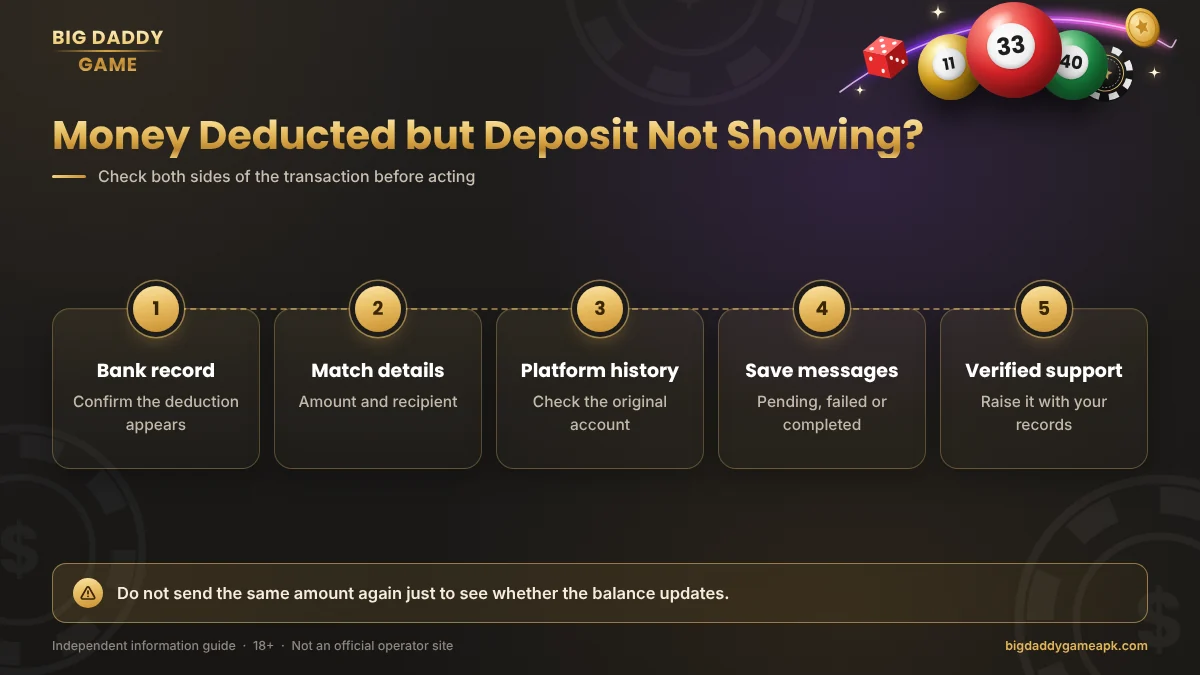
Do not send the amount again just to see whether the balance updates. A second payment creates another transaction and may not resolve the first.
There is no verified processing window in this guide. Avoid relying on promises that every deposit appears within a fixed number of seconds.
Understanding Deposit Status Messages
Status labels vary, but the main distinction is between what the payment provider records and what the platform records.
Pending: The system has not recorded a final outcome. Check the transaction details and any instructions connected to that specific payment.
Failed: Check whether money was actually deducted. A failed message does not, by itself, confirm the bank outcome.
Successful or completed: Compare the payment-provider record with the platform balance. One confirmation does not prove that both systems agree.
Reversed or refunded: Confirm that the money appears back in your payment account. A message promising a reversal is different from receiving it.
Duplicate Payments and Incorrect Details
If you paid twice, keep both transaction references. Explain that they are separate payments when raising the issue, and identify which amount is disputed.
For a wrong recipient or suspected fraud, contact your bank or payment provider promptly through its genuine support route. Describe what happened accurately. A transfer you authorised should not be described as unauthorised. For UPI payments, NPCI explains the UPI dispute redressal process.
Recovery is not guaranteed. Do not send another payment to someone claiming it is required to correct the recipient details or release a refund.
Deposit Bonuses and Wallet Balance
A promotional balance is not necessarily the same as money available for withdrawal.
Check whether an offer has expiry rules, eligibility conditions or restrictions on cashing out. A larger displayed balance does not establish that those funds can be received in a bank account.
Do not make another deposit simply to unlock an unexplained bonus or recover an earlier loss.
How to Report a Missing Deposit
Keep the complaint short and specific. Include the amount, payment date, transaction reference and relevant account identifier.
Explain the difference you can see. For example, the payment provider records a completed transfer, but the platform account has no matching credit.
Use support details connected to the identified operator. Someone messaging you after a public complaint should not automatically be trusted as support.
Frequently Asked Questions
What Is the Minimum Big Daddy Game Deposit?
A current minimum has not been verified for a specific operator. Do not assume that an amount listed on another website applies to your account.
Does Big Daddy Game Accept UPI?
We have not confirmed current payment support. A UPI logo or an old tutorial is not enough to establish availability or permission.
How Long Does a Deposit Take?
No processing time has been verified. Keep the transaction record and follow the relevant payment provider’s dispute process if the payment remains unresolved.
Should I Deposit Again If the First Payment Is Missing?
Do not repeat a payment solely because the platform balance has not changed. Investigate the original transaction first.
Can Support Ask for My OTP?
Do not share an OTP, password or payment PIN with support. Transaction references and receipts should be enough to describe the payment issue.
Is a Deposit Bonus Immediately Withdrawable?
Not necessarily. The current offer terms must explain the conditions. No withdrawable bonus is confirmed by this guide.
Final Deposit Check
For a Big Daddy Game deposit problem, start with the original account and the payment record. Compare the recipient, amount and reference before deciding what to do next.
Do not let a missing balance lead to repeated payments. Clear records and a verified complaint route are more useful than another transfer.
Play responsibly — or choose not to play
Real-money games can cause financial loss. No prediction, code or bonus guarantees a win. Never borrow to play or chase losses.